

Security cameras can protect a rental property, but landlords must balance property protection with tenant privacy, consent and lawful use. Before arranging cctv security systems perth services, an owner should be clear about what is monitored, who will access the footage and whether the proposed camera position could intrude on a tenant’s private life.
A rental is an investment, but it is also the tenant’s home. Poorly planned cameras can create legal risk. This article provides general information, not legal advice.
Start With the Purpose of the Camera
Every camera should have a defined purpose, such as monitoring a shared driveway, common entry, car park or multi-unit access point. “General monitoring” is too vague and may lead to excessive coverage.
The owner or property manager should be able to explain:
- What specific risk the camera is intended to address
- Why the selected area needs video coverage
- Whether a less intrusive security measure could work
- Who will be permitted to view recordings
- How long footage may be retained
- How tenants and visitors will be informed
A clear purpose makes it easier to choose proportionate coverage and avoid recording private areas unnecessarily.
Understand the Difference Between Private and Shared Areas
Privacy expectations differ between a freestanding rental and a complex with shared entrances or parking. A landlord should be extremely cautious about any camera that can see inside the home, a private courtyard or another area where occupants expect privacy.
Shared spaces may have stronger security reasons for monitoring, but placement still matters. A camera covering the gate to a common car park is different from a camera pointed toward an individual apartment’s windows or outdoor living area.
Areas That Require Particular Caution
Avoid or carefully assess any view that includes:
- Bedroom, bathroom or living-room windows
- Private balconies, courtyards or backyards
- Areas used mainly by one tenant
- A neighbour’s property
- Audio from private conversations
- Routes that track a tenant’s everyday movements without a clear need
A professional installer can help narrow the field of view, adjust the angle or use privacy masking where supported. Legal advice may still be appropriate when the situation is uncertain.
Communicate Before Any Installation
Surprise is one of the quickest ways to damage trust between a landlord and tenant. Property owners should discuss the proposal before work begins and explain the security reason, intended camera locations and who will control the system.
Written communication creates a useful record. Approval or formal notice may be required depending on the property, agreement, strata rules and work involved. Owners should check current Western Australian requirements before installing surveillance.
Information Tenants May Reasonably Ask For
Be prepared to explain:
- Whether the cameras record continuously or only after an event
- Whether audio is enabled
- Whether live viewing is available
- Who receives mobile alerts
- Where the recorder or cloud account is controlled
- How access passwords are protected
- What happens to stored footage after a tenancy ends
- How a tenant can raise a concern about camera coverage
Straightforward answers can prevent misunderstandings and encourage responsible use.
Be Careful With Audio Recording
Many modern cameras include microphones, but audio recording creates additional privacy and legal concerns. A microphone may capture conversations beyond the intended security area, including discussions inside the home or on a neighbouring property.
Do not assume that audio should be enabled simply because the camera supports it. The security objective may be achieved with video alone. Before recording conversations, landlords should obtain advice about applicable surveillance laws and consent requirements.
Choose the Least Intrusive Effective View
Good security design is not about seeing everything. A tightly framed view of a shared gate may be more appropriate than a wide image that captures several private spaces.
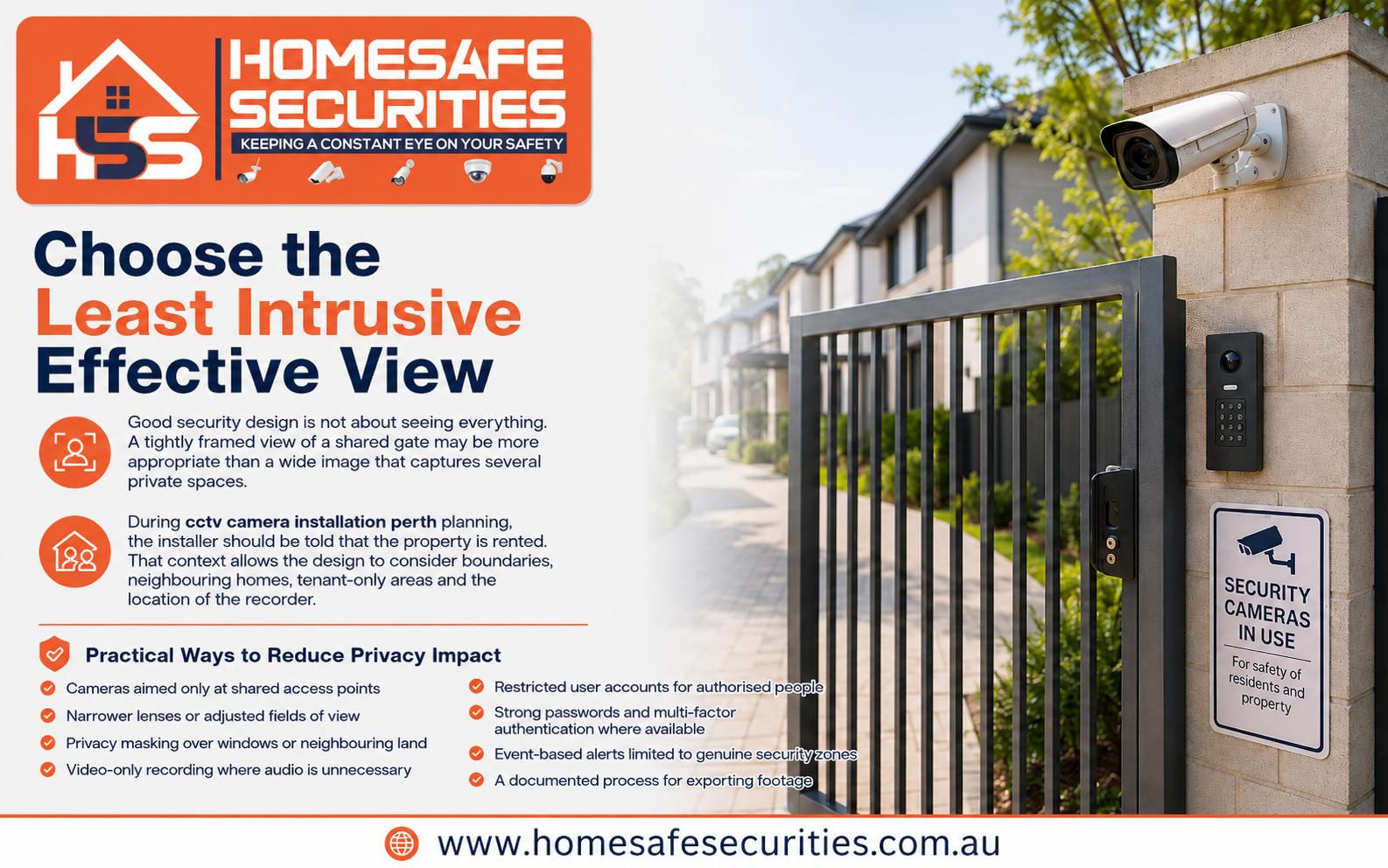
During cctv camera installation perth planning, the installer should be told that the property is rented. That context allows the design to consider boundaries, neighbouring homes, tenant-only areas and the location of the recorder.
Practical Ways to Reduce Privacy Impact
A more proportionate system may use:
- Cameras aimed only at shared access points
- Narrower lenses or adjusted fields of view
- Privacy masking over windows or neighbouring land
- Video-only recording where audio is unnecessary
- Restricted user accounts for authorised people
- Strong passwords and multi-factor authentication where available
- Event-based alerts limited to genuine security zones
- A documented process for exporting footage
These controls help keep the system focused on security rather than personal monitoring.
Decide Who Owns and Controls the System
Confusion can arise when the landlord owns the cameras but the tenant occupies the property. Decide who controls the recorder, app and administrator account. Tenant-focused systems may require tenant access, while shared-area systems may be controlled by an authorised manager or strata representative.
Avoid sharing one administrator password. Use individual accounts where available and remove access when an agent, contractor or staff member no longer needs it.
Protect Recorded Footage
Video can contain personal information about tenants, visitors, delivery drivers and neighbours. Poor password practices, unsecured remote access or unnecessary sharing can create a risk even when the cameras were installed for a legitimate reason.
Recordings should be viewed for an appropriate purpose and shared carefully. Footage should not be posted online to identify or embarrass someone. Requests from police, insurers or other parties should follow a consistent process.
Basic Footage-Security Checklist
- Change default passwords during setup
- Keep administrator access limited
- Update apps, recorders and camera firmware
- Use secure remote-access methods
- Review user permissions periodically
- Export only the relevant time and camera view
- Store exported clips securely
- Delete copies when they are no longer required
Technical security is part of privacy protection.
When Tenants Request Their Own Cameras
A tenant may ask to install a doorbell camera, alarm or another security device. Rental rules and individual circumstances can affect approval, installation and removal, while family and domestic violence situations may involve specific protections. Property managers should check current official guidance and respond promptly rather than relying on assumptions.
Review Access at Each Tenancy Change
When a tenant leaves, remove old users, update credentials and confirm which devices remain connected. Recheck the system’s purpose, notices, camera angles and privacy masks before a new tenancy begins. Landscaping, renovations or boundary changes may make an earlier setup unsuitable.
Why Choose HomeSafe Securities?
HomeSafe Securities is a locally owned Perth provider offering tailored security solutions for residential and commercial properties. Its licensed technicians assess the layout, lighting, access points and intended coverage before completing the installation and handover. Choosing HomeSafe for a cctv camera perth project gives landlords access to transparent advice, recognised equipment options, careful setup, mobile-viewing support where available and workmanship warranty backing, while allowing privacy requirements to be raised during system design.
Protect the Property Without Overreaching
Landlords can improve security without turning a rental into an unnecessarily monitored space. The key is to define a genuine purpose, keep cameras away from private areas, communicate with tenants, restrict access and check current legal requirements. When privacy is considered at the design stage, the result is more likely to protect the property, respect occupants and avoid preventable disputes.